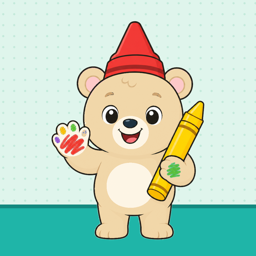
Colouring that grows with your child.
Little ones scribble freely, preschoolers tap to fill, and five-year-olds colour inside the lines — with Crayon Bear cheering them on. 150 pictures to colour for ages 1 to 5.
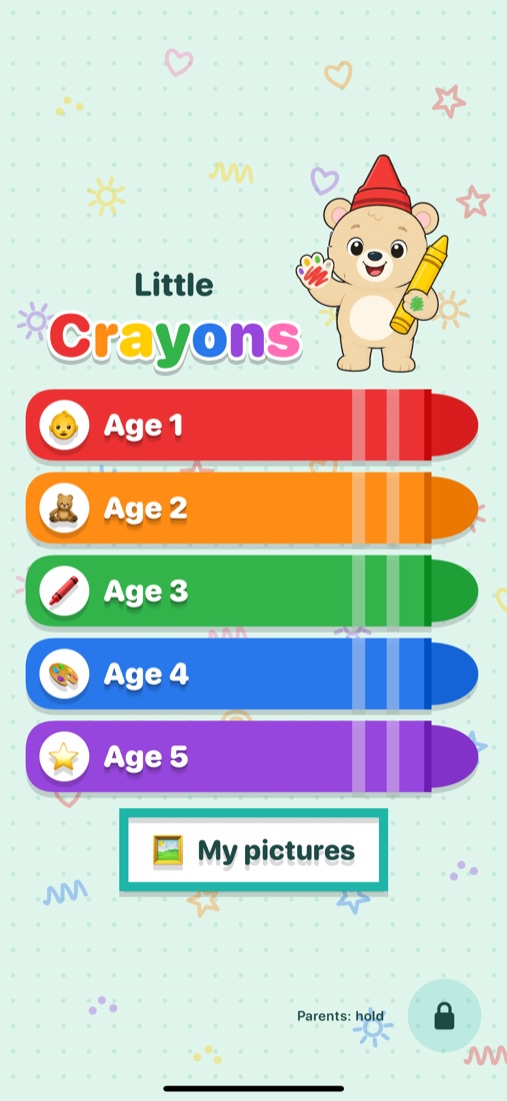
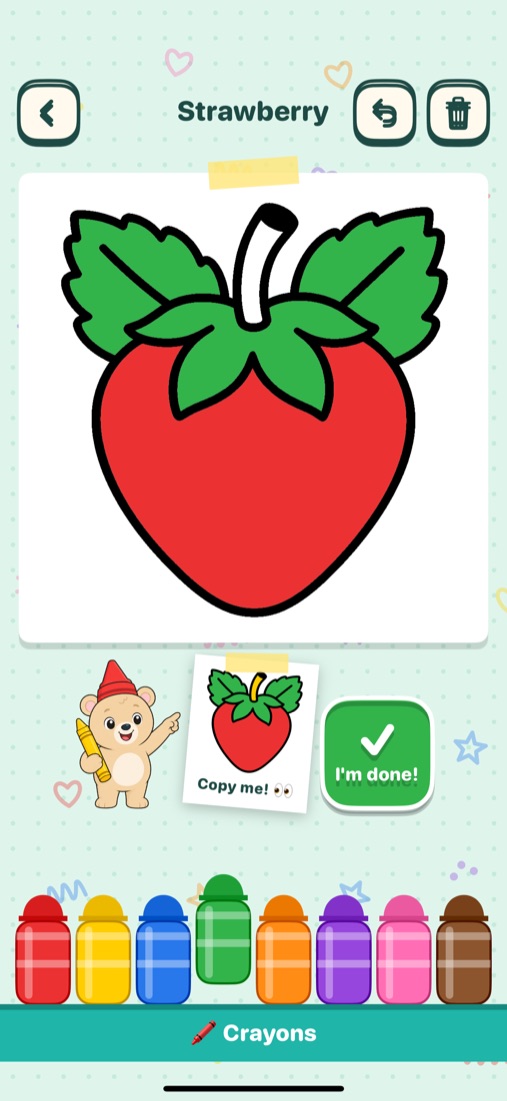
Made for little hands.
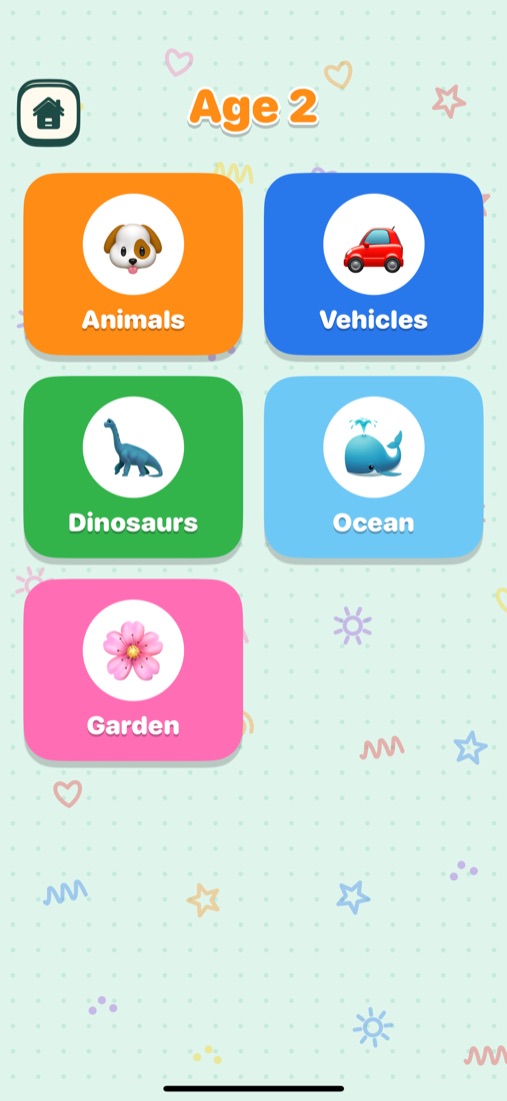
No reading needed. Pick an age, pick a theme, pick a picture — and start colouring.
Three ways to colour
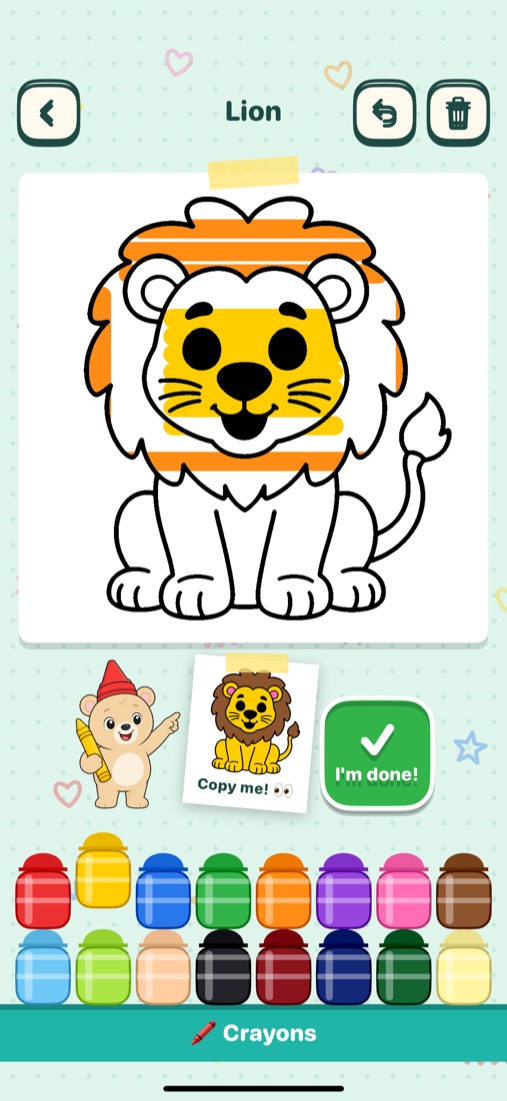
Ages 1–2 scribble freely, ages 3–4 tap a part to fill it, and age 5 colours with a finger inside the lines. The crayon box grows too: 4, 6, 8, 12, then 16 crayons.
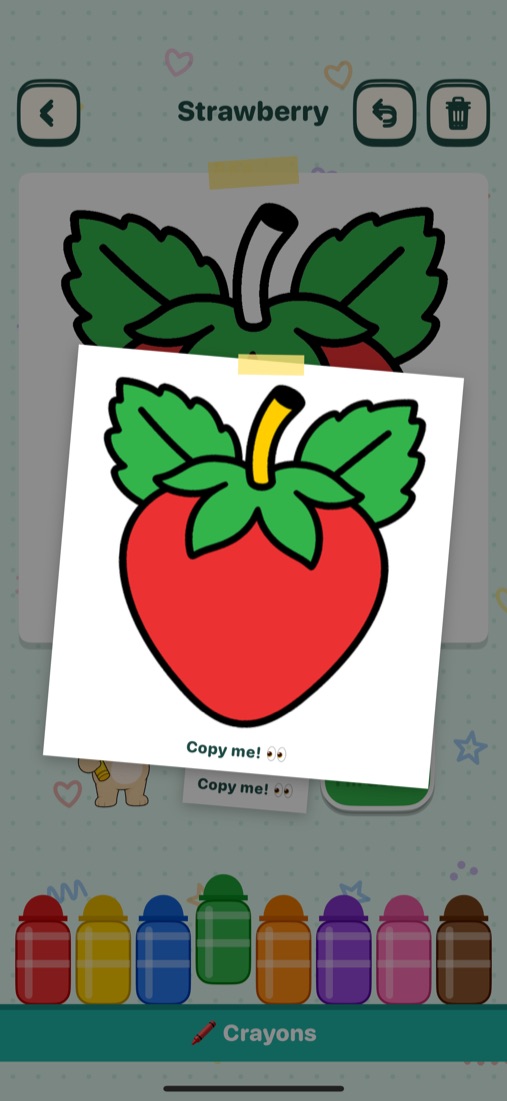
Copy me! guide
Every picture has a finished coloured version to copy. Tap it to see it big.
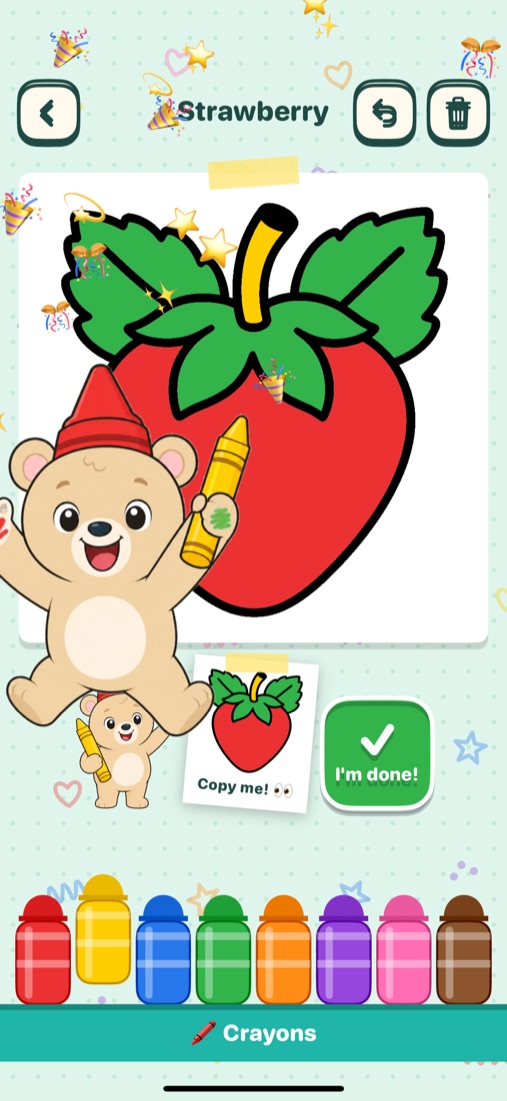
Crayon Bear
Crayon Bear walks in, waves, and cheers with confetti when a picture is finished. A friendly recorded voice says each crayon's colour.
5 themes, 150 pictures
Animals, Vehicles, Dinosaurs, Ocean and Garden in every age — 6 pictures per theme per age. 50 pictures are free.
My pictures
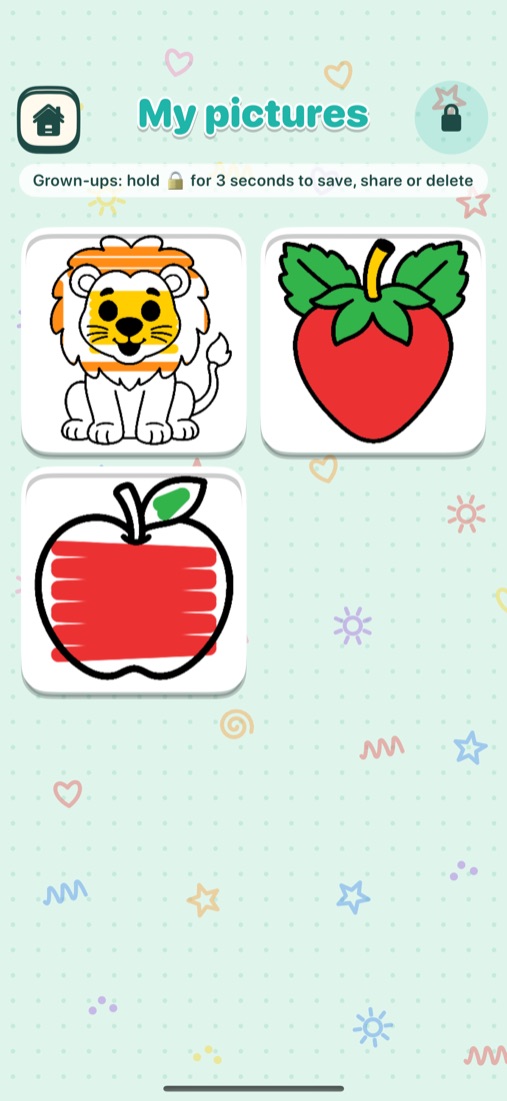
Every picture is saved automatically, and every version is kept. Grown-ups can save to Photos, share or delete.
Safe for little ones
No ads, no tracking, no account and no data collected. Works offline, with grown-up options behind a parent gate.
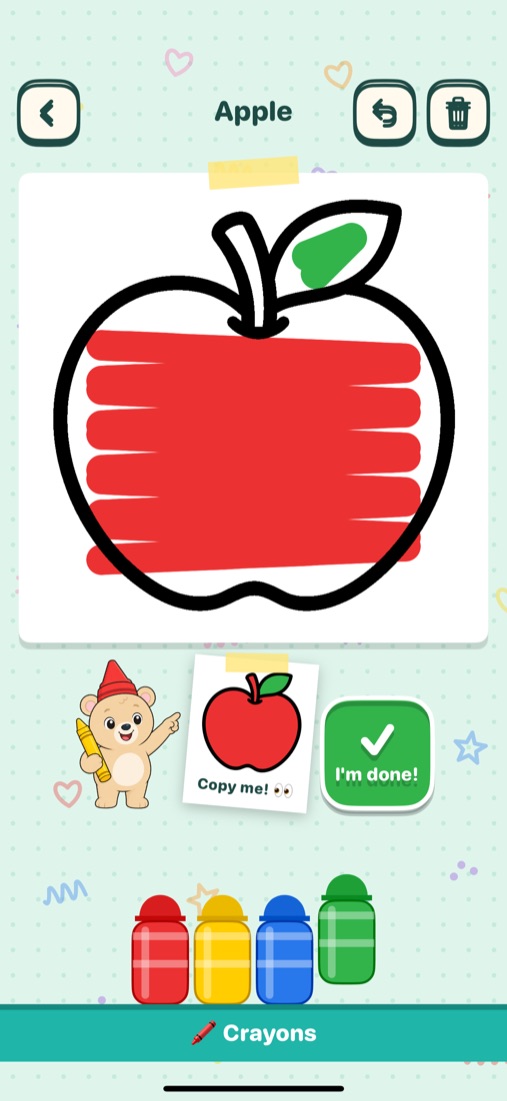
Colouring that grows up with them
Each age gets its own way to colour and a bigger box of crayons.
- Age 1 · 4 crayons
- Age 2 · 6 crayons
- Age 3 · 8 crayons
- Age 4 · 12 crayons
- Age 5 · 16 crayons
- Ages 1–2: scribble freely, and the outline stays on top.
- Ages 3–4: tap a part to fill it with colour.
- Age 5: colour with a finger, and the colour stays inside the part where the stroke began.
Pick, copy, colour, cheer.
Friendly help at every step, from choosing a theme to the confetti at the end.
Small fingers, big help
Little touches that make colouring easier.
- Pinch to zoom in on tiny parts.
- A tap that just misses still colours the nearest part.
- Undo a step, or start the picture again.
- A friendly voice names each crayon colour and says "Let's colour the …!" for each new picture.
- Tap I'm done! to finish and let Crayon Bear celebrate.
Free & Unlock everything
Start colouring for free. Unlock the rest with one purchase — no subscription.
Free
50 pictures
- 2 pictures in every theme, in every age.
- All five ages and all five themes.
- Crayon Bear, Copy me! and My pictures included.
Unlock everything
One-time in-app purchase
- The other 100 pictures — all 150 in total.
- Includes future themes.
- One-time purchase, no subscription.
- Shared with your family through Family Sharing.
Safe and private, by design
Hand it over with peace of mind.
- No ads, no tracking and no data collected.
- No account or sign-up.
- Works offline — no internet needed to colour.
- Every picture is saved on the device in My pictures, with every version kept.
- Parent settings open only after you press and hold the lock for 3 seconds and answer a times-table question. There you'll find sound on/off, Unlock everything, Restore purchases, rate, share and delete all pictures.